
Sigma Scribe writes the note — and updates the chart
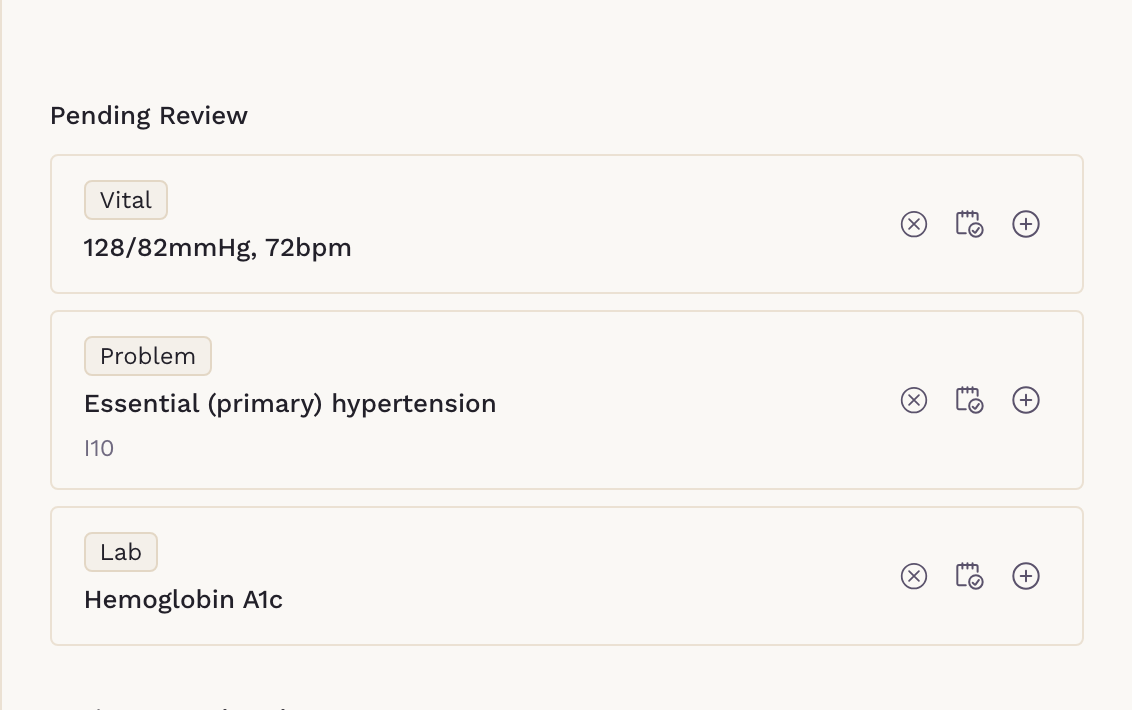
Record the visit and your note drafts in your own template. Then Scribe proposes what belongs in the chart — labs, imaging, referrals, medications, problems, allergies and vitals — each one opening pre-filled from the visit, for you to confirm and save. Every suggestion is yours to accept, assign to your team, or discard.
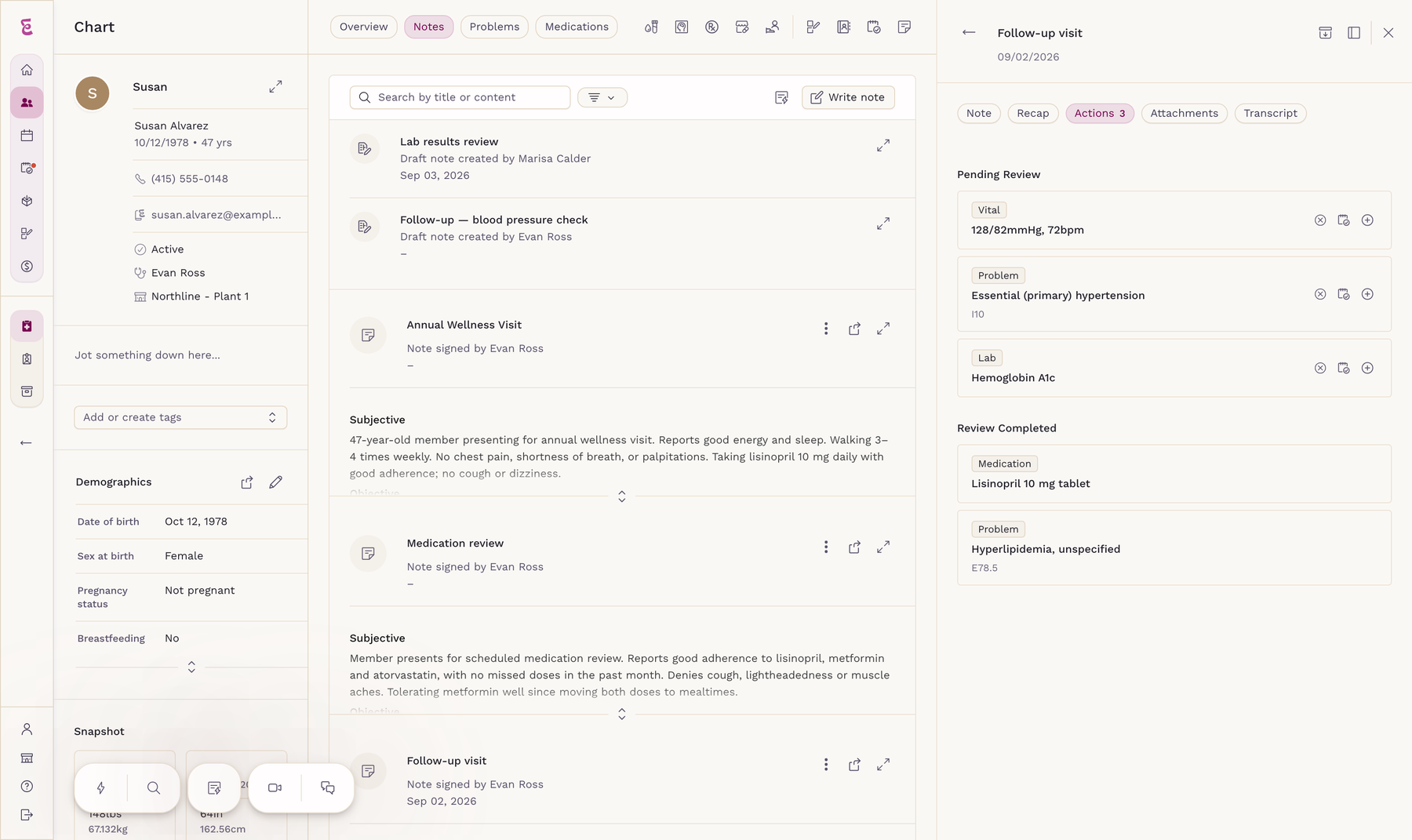
How a Visit Actually Goes
Four steps, from walking in to a signed note. The one most scribes skip is the last: whatever they generate still has to be typed into your chart by someone.
Start Scribe from the chart
One tap inside the patient's chart starts the recording. You talk to your patient the way you always have — in English, in Spanish, in whichever language you share. Scribe detects it on its own, and the note still comes out in English.
The note writes into your template
When you stop the recording, Scribe drafts into the macro and format you already use — so there is nothing to reformat and nothing to paste.
Scribe proposes what belongs in the chart
Labs, imaging, referrals, medications, problems, allergies and vitals from the conversation come back as separate suggestions, each shown alongside the sentence it came from.
You accept, assign, or discard
Accepted items write into the record. Anything better delegated becomes a task with an owner. Then you sign, and the visit is closed.

Action-to-Task
Hand any suggestion to your team as a task
A suggestion you would rather not action yourself becomes a task instead — pre-populated from the visit and assigned to whoever should handle it. The referral, the prior auth, the lab follow-up: each one leaves the room with an owner.
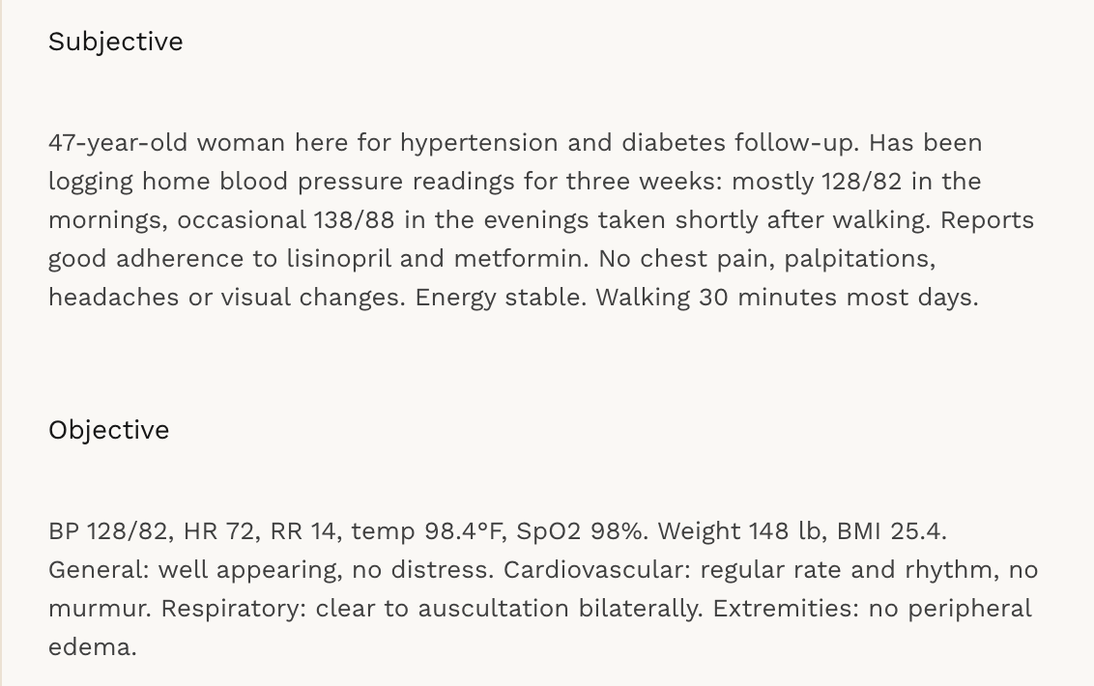

Note Independence
Your Clinical Note Stays Yours
Filing an action never rewrites your note on its own. Adding a record to the note body is a separate checkbox, off by default — so your documentation says what you signed it saying.

Documentation
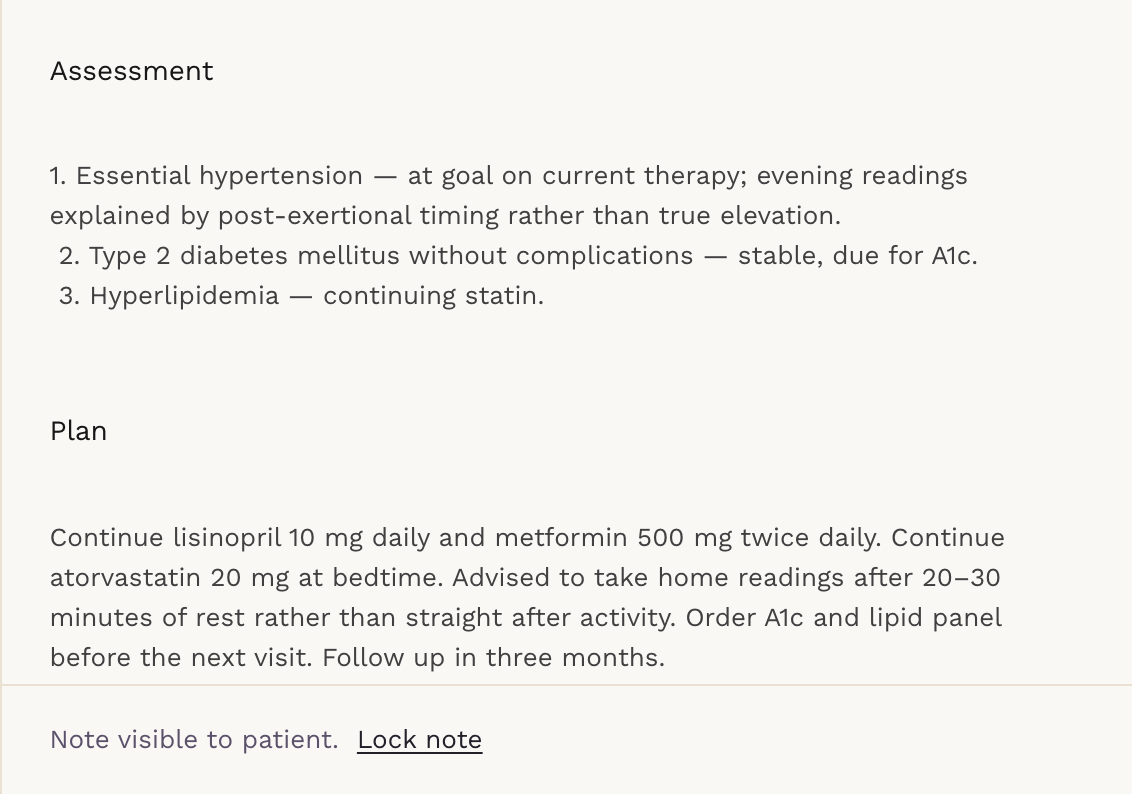
Your templates, your macros, your format
Scribe drafts into the note template you already use, with your own macros and variables — it does not force you onto somebody else's SOAP format. Auto-save keeps the draft as you work, and signing locks the note under your name.
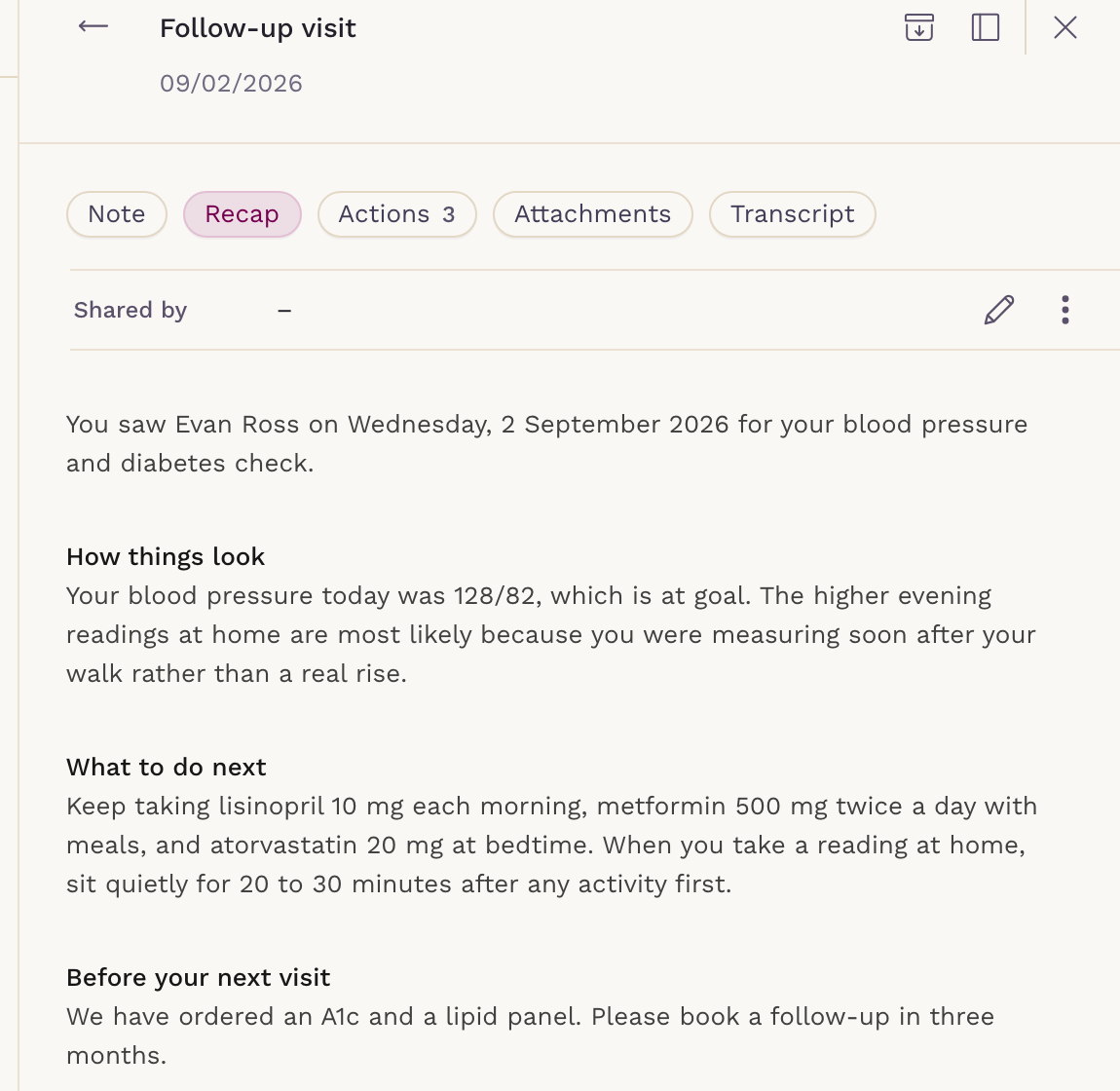
Patient Recap
The visit, written for the patient too
From the same recording, Scribe also writes a plain-language summary of the visit for your patient — what you found, what to do next, and what happens before they see you again. Share it to the patient app and their email in one step, and it goes out in their own language.
It is the part no scribe bolted onto another EMR can do: sending it needs the patient portal, not just the microphone.
Why a Bolt-On Scribe Stops Short
Any ambient scribe can produce a paragraph of text. While you are choosing an EMR, the question worth asking is what happens to that text next — and who does the typing.
A scribe bolted onto another EMR
Produces a note you copy into your chart.
Medications, problems, allergies and vitals still get typed in by hand.
Nothing discussed in the room becomes work assigned to your staff.
A second vendor, a second login, a second agreement to sign.
A per-provider fee every month, whether that provider used it or not.
Sigma Scribe, inside SigmaMD
Drafts into the chart it belongs to. There is nothing to paste.
Proposes labs, imaging, referrals, medications, problems, allergies and vitals, each opening pre-filled for you to confirm.
Turns any suggestion into a task with an owner on your team.
One system, one login, one agreement.
Included once you have three or more clinician licenses. Below that, a user is billed only in a month they actually write five or more notes.
Wherever You See Patients
Record on any of the three surfaces a visit actually happens on, and the note lands in the same chart from every one of them.
In the exam room
Start it from the chart on your desktop and let it listen to the room. No dock, no dictation microphone, no separate window to keep in front.
On a video visit
Scribe captures the visit as it happens inside SigmaMD video — there is no third participant to admit to the call and nothing to explain to the patient.
From your phone
House calls, rounds, and the conversation in the corridor that still has to be documented. The mobile app records and syncs the note to the same chart; the chart suggestions are waiting for you back at the desktop.
Your Expertise Drives Our Priorities:
We Listen, You Matter!
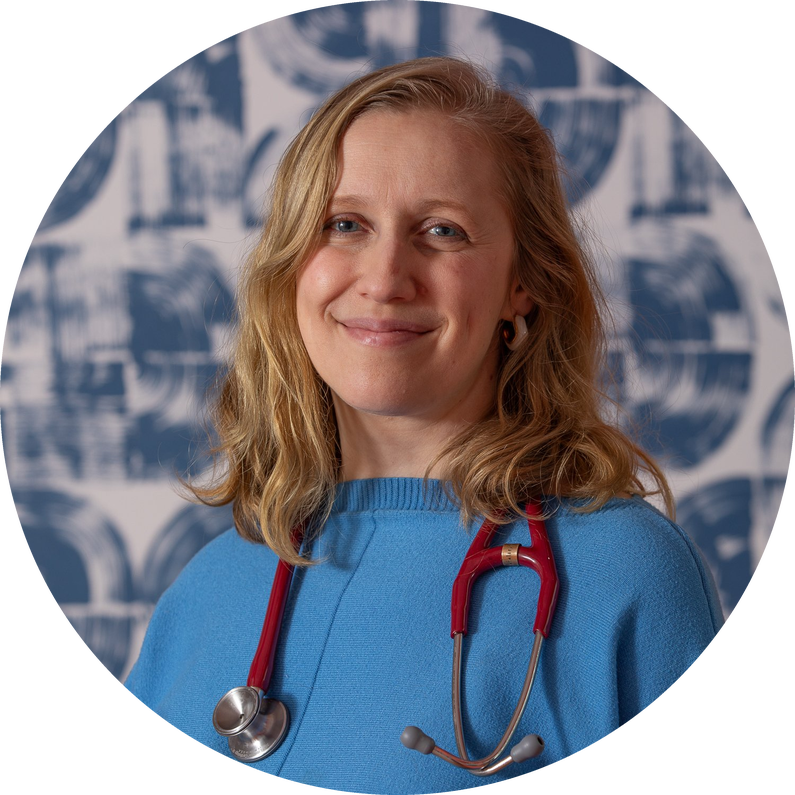
“The Sigma scribe is by far the best scribe I have used — and I have tried many. It gets all the important context, details, names of meds and conditions.”Dr. Alla Goldburt
Flow Family Medicine
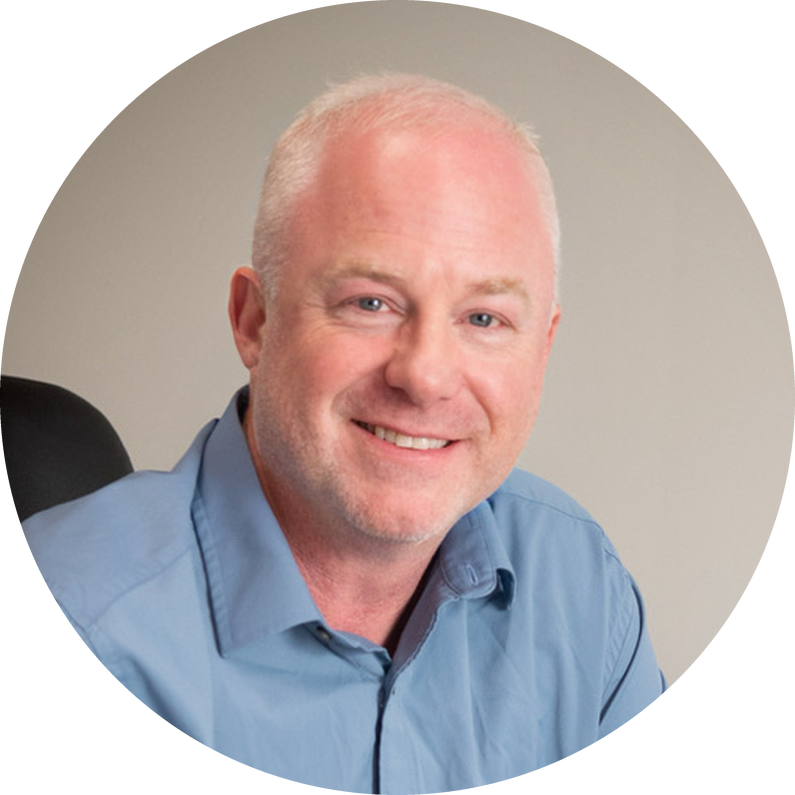
“I have used several EMRs and various third-party scribe solutions, and SigmaMD gives me unbelievable results. It goes beyond passive documentation — the actions fill in medications, allergies and history, and create follow-ups and tasks in one click. In 30 years I have never been able to say I am happy with an EMR.”Dr. Phillip Burrer
Valor Direct Primary Care