
Every record, order and note
in one chart
From the first intake to the signed note, the referral and the refill — SigmaMD holds the whole encounter in one chart. No second tab, no second subscription, no per-integration invoice.

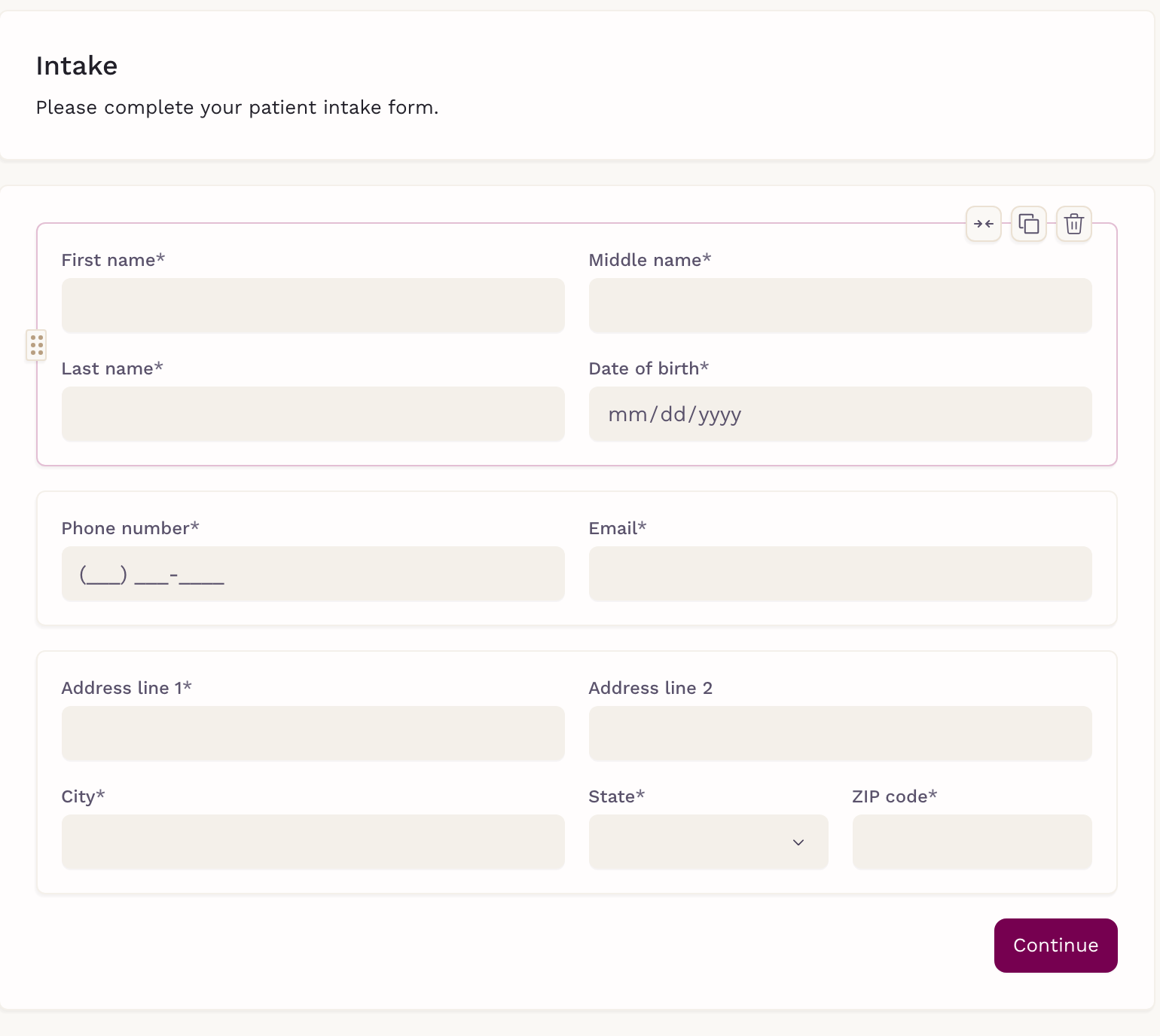

Forms & Intake
Intake that lands in the chart, not in your inbox
Build a form from scratch, start from a template, or upload an existing PDF and drop in checkboxes, text fields and signature blocks — your layout preserved. Send it from the chart, in bulk, or straight through chat; the patient opens a secure link in any browser with nothing to download. Answers can prefill from the chart and write back to it, and the completed PDF files itself in the patient's record.

Health Records
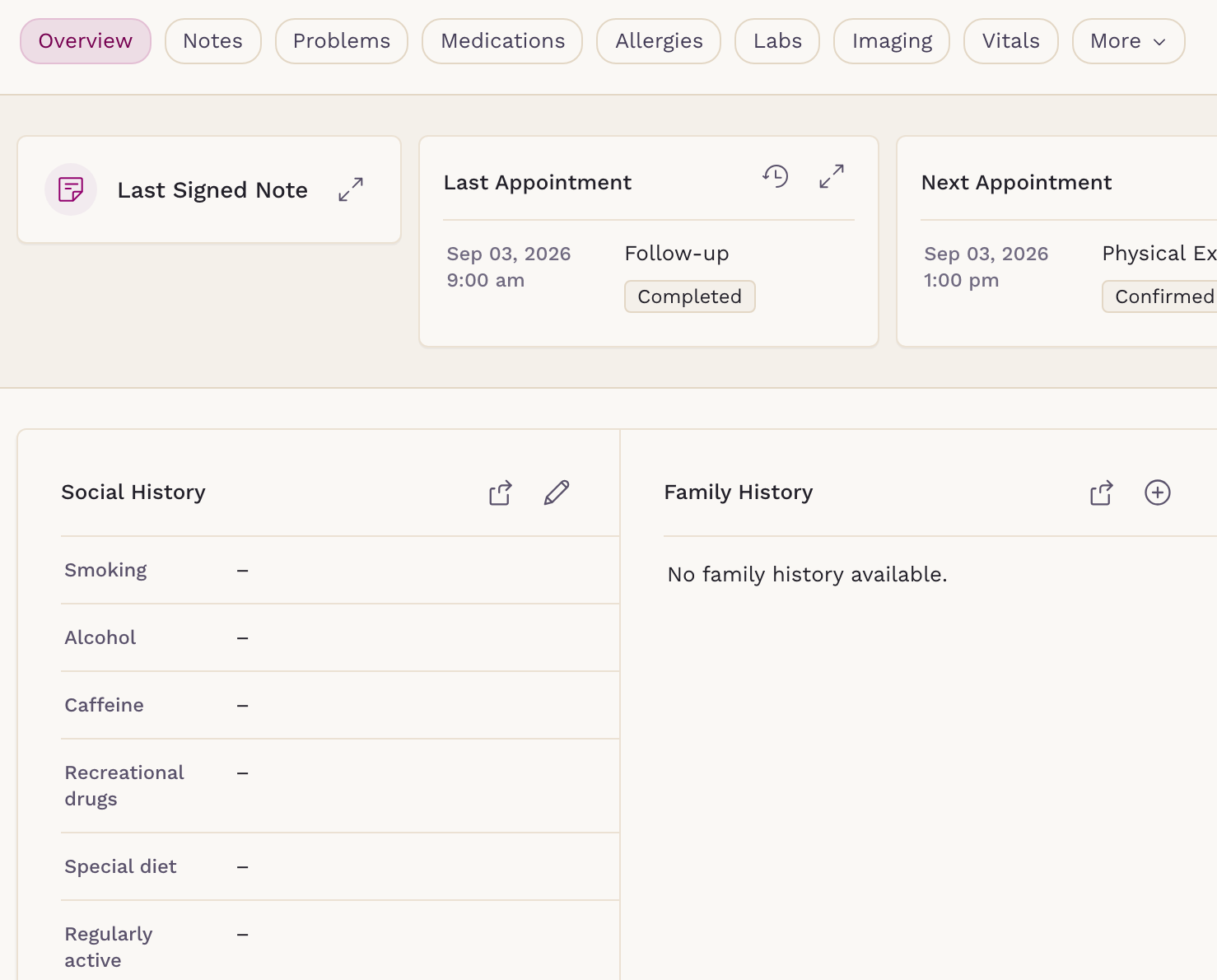
Every record in one place, not five
The chart carries problems, allergies, medications, procedures, immunizations, vitals, labs, imaging, encounters, goals and devices — with growth charts on WHO, CDC and AAP scales for pediatric patients. Everything a clinician records lands in the same record.

Clinical Notes
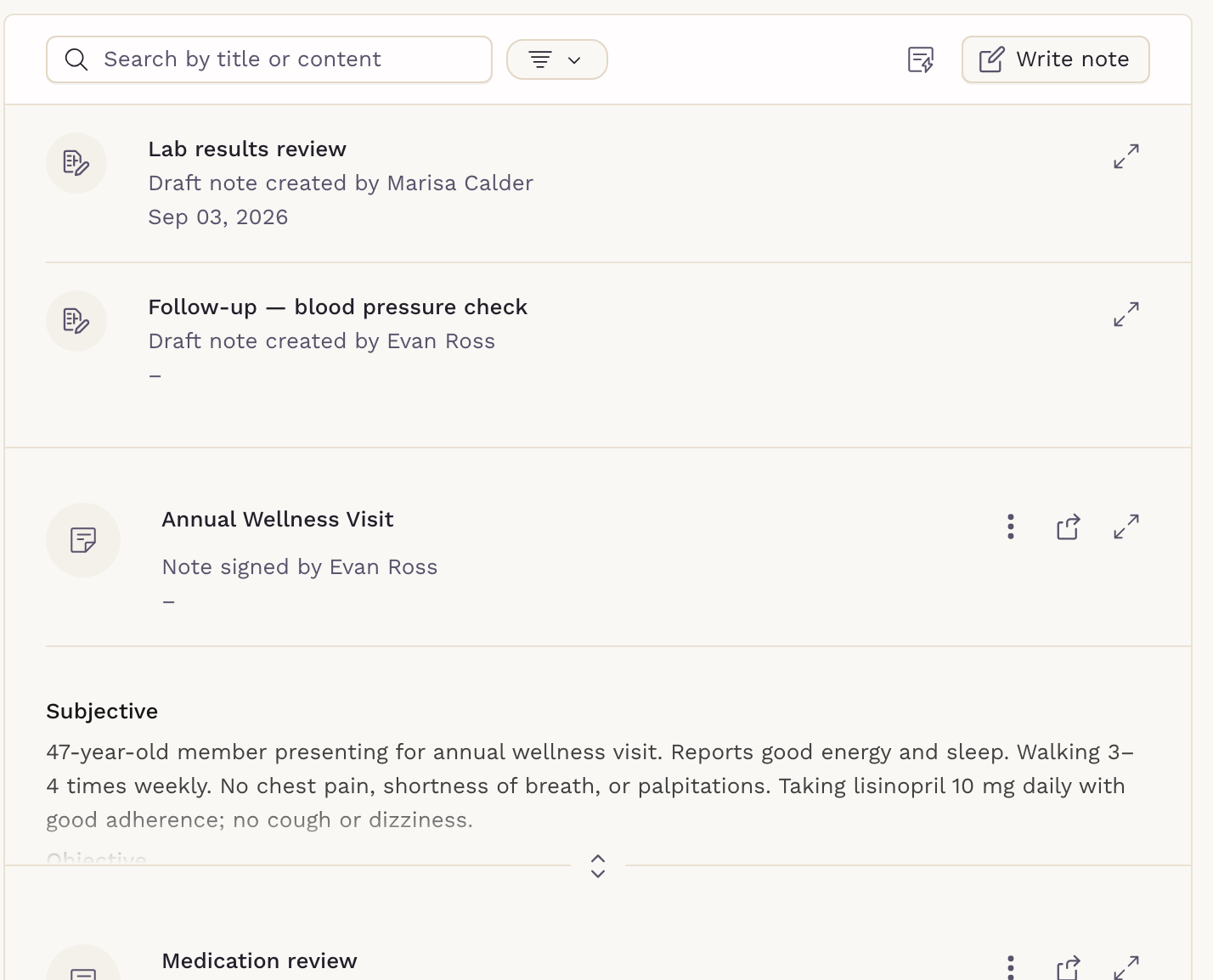
Notes that fill themselves in
Write from your own templates, and let variables pull the patient's live vitals trends, immunizations and open tasks straight into the note. Auto-save, note signing and full version history keep the record intact, and Sigma Scribe can draft the whole thing from the visit.

Prescribe & Dispense
Prescribe it, or dispense it yourself
Send prescriptions electronically and work the whole queue in one place — transmission errors, pending scripts, refill requests and RxChange. Dispensing from your own shelf is built in too, with lot numbers, expiration dates, stock levels and bottle labels. What you dispense bills straight from the charge-item catalogue.


Labs & Imaging
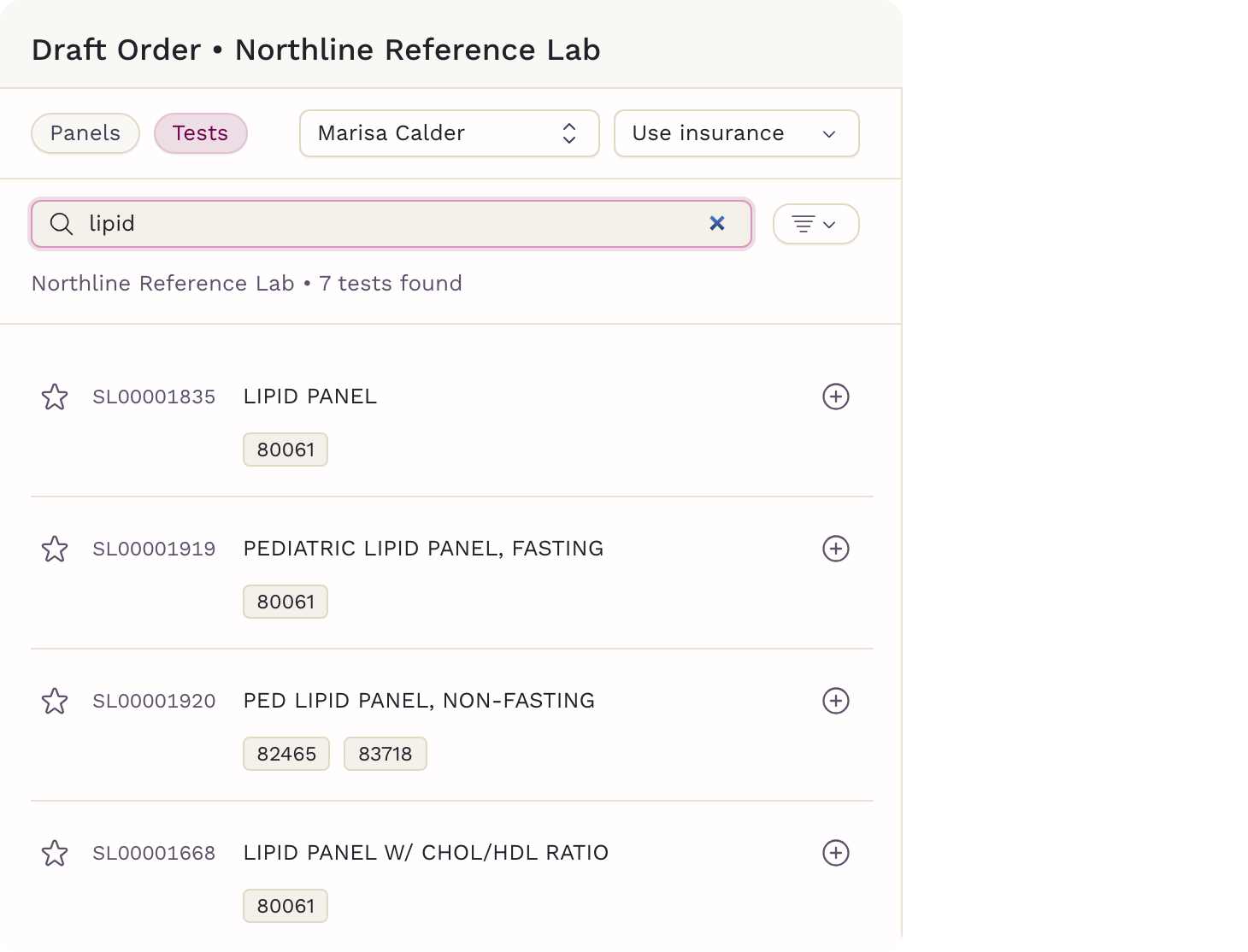
Order labs and imaging at direct-care prices
Order bi-directionally from Labcorp, Quest and hundreds of other lab and imaging providers — on the cash rates your practice negotiates, marked up how you choose. Send imaging with the billing path that fits: pay in clinic, use insurance, or pay at the patient service center. Results land in the chart, parsed and flagged for review, with the ordering clinician notified.

Referrals
Refer with the chart already attached
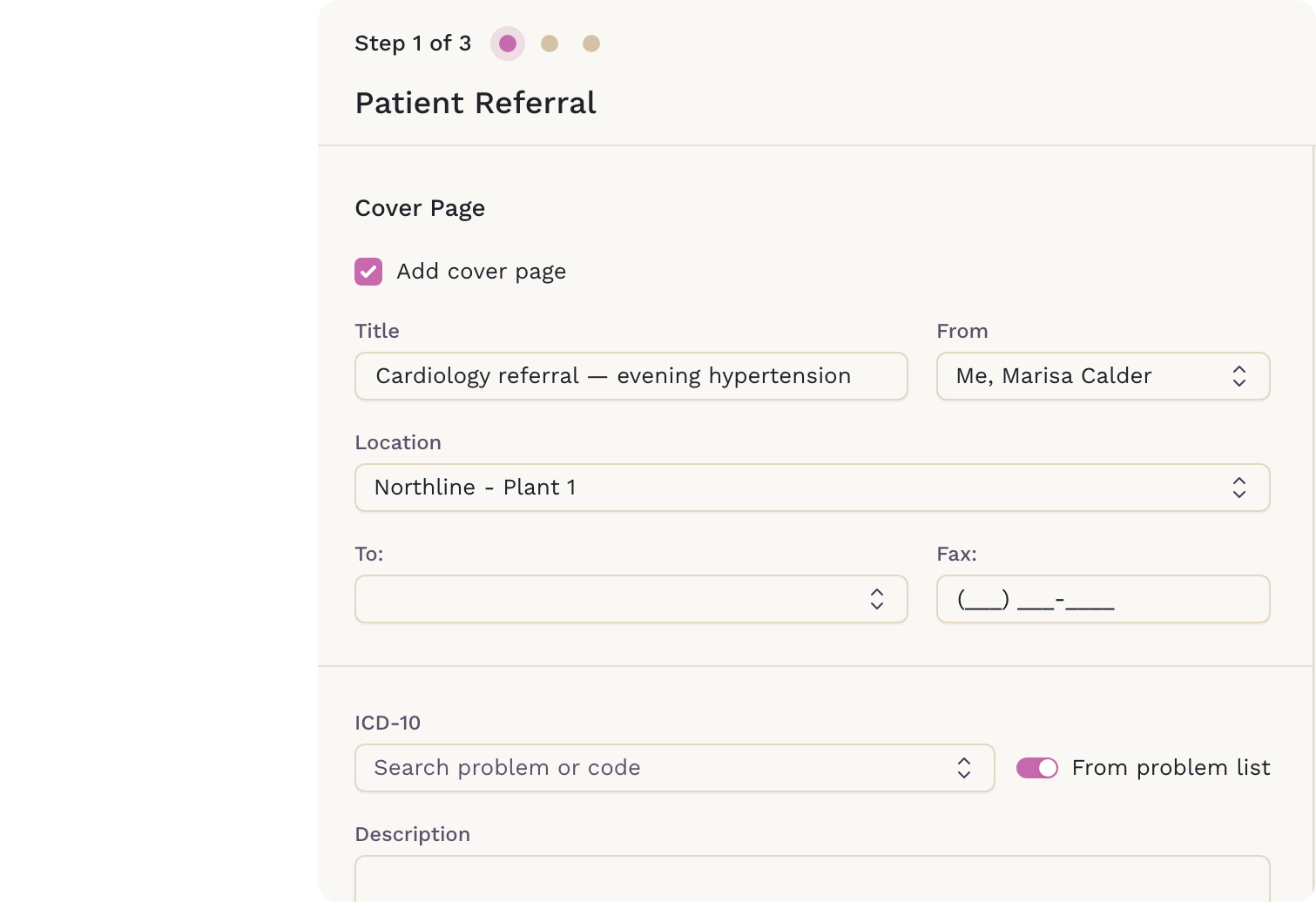
Build a referral with a cover page, ICD-10 codes pulled from the problem list, exactly the records you choose to share, and your signature — then fax it straight to the specialist from a saved contact, with a copy filed in the patient's chart.


Patient Files
Every document filed where you would look for it
Each chart has its own file store for PDFs, images and video. Locked default folders fill themselves as you work — anything attached to a note, task, lab, referral or chat lands in the right place without filing. Add your own folders and subfolders on top, and upload, rename or archive whatever else the practice needs to keep.
Your Expertise Drives Our Priorities:
We Listen, You Matter!

“What I like about it is the simplistic design — a really intuitive program that most people can use without an excessive amount of training. It’s built for providers as well as patients.”Dr. Ryan DickBOOK A DEMO
Everwell Primary Care