
Your Clinic Runs on Rules You Set Once
Appointment types that carry their own duration, buffer, forms and codes. Availability that reflects who is working, in which room, at which location. And patients booking themselves into the slots you meant to offer.

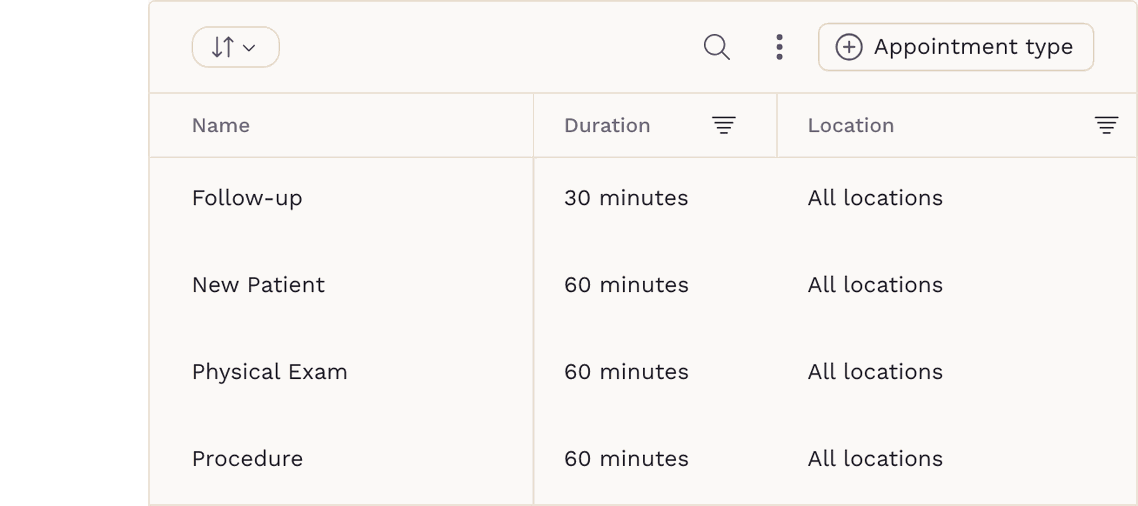
Appointment Types
Set the Rules Once, and Every Booking Follows Them
Give each type its own duration and a buffer so visits never land back-to-back, a minimum notice window, and the locations and rooms it needs. Attach the intake form it always requires, the ICD-10 and CPT codes it bills under, and the note you want the patient to read when they book it. Decide whether a reason for visit is required, add your own appointment statuses alongside the built-in ones, and set the time slots every self-scheduled booking has to land on.
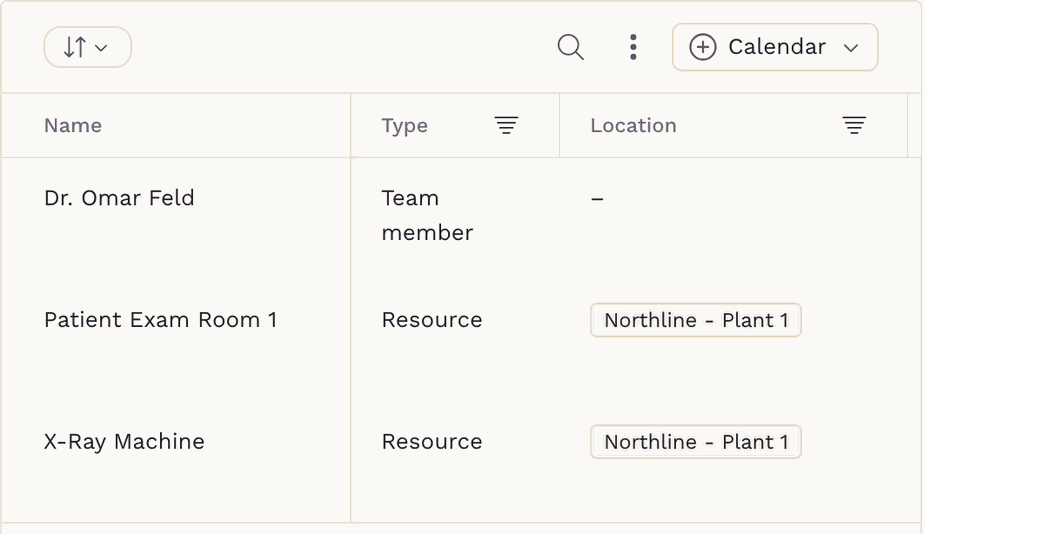

Rooms and Equipment
Anything Bookable Gets Its Own Calendar
An appointment no longer has to belong to a person. An infusion suite, a procedure room, a sauna or a nurse each carries its own booking calendar and its own availability — so patients book the thing they actually need, and double-booking a room stops being possible. Mark a resource inactive and SigmaMD cancels its future appointments and tells the patients affected.

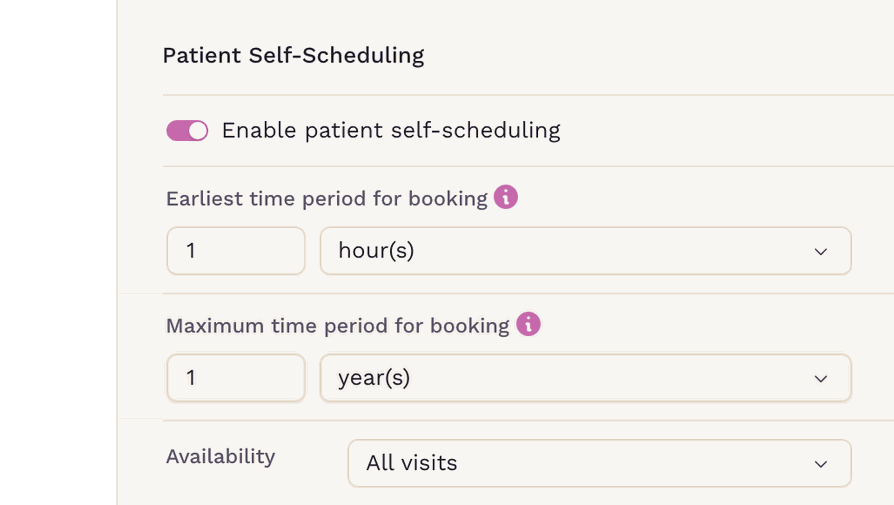
Patient Self-Scheduling
Patients Book Themselves, Inside Your Rules
Choose how soon and how far ahead patients can book. Offer a visit type to everyone, to first visits only, or only to patients you have already seen. Send them to their assigned clinician, a chosen few, or whoever is free, and restrict a type to selected membership plans. What they see is real availability — what is left once your shifts and your synced calendar have had their say.

Your Team
Every Role, With the Right Access
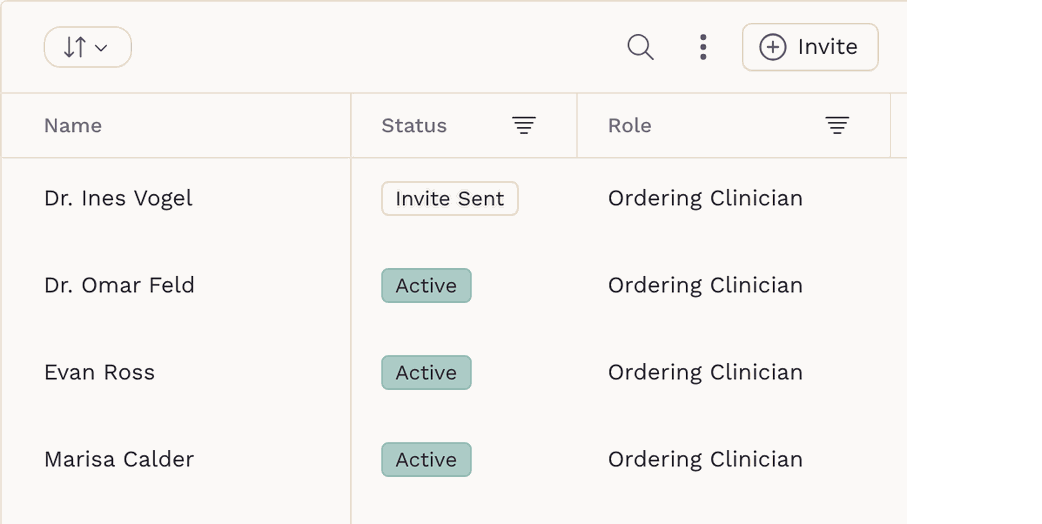
Invite the whole practice and give each person a clinical role — ordering clinician, allied health professional or non-clinical — plus an access level that decides what they can see and change. Name a covering clinician so your panel hands over cleanly when you are away. Notifications stay personal: each person picks their own by type, and anything you route to a colleague reaches them on their settings, not yours.

One Calendar
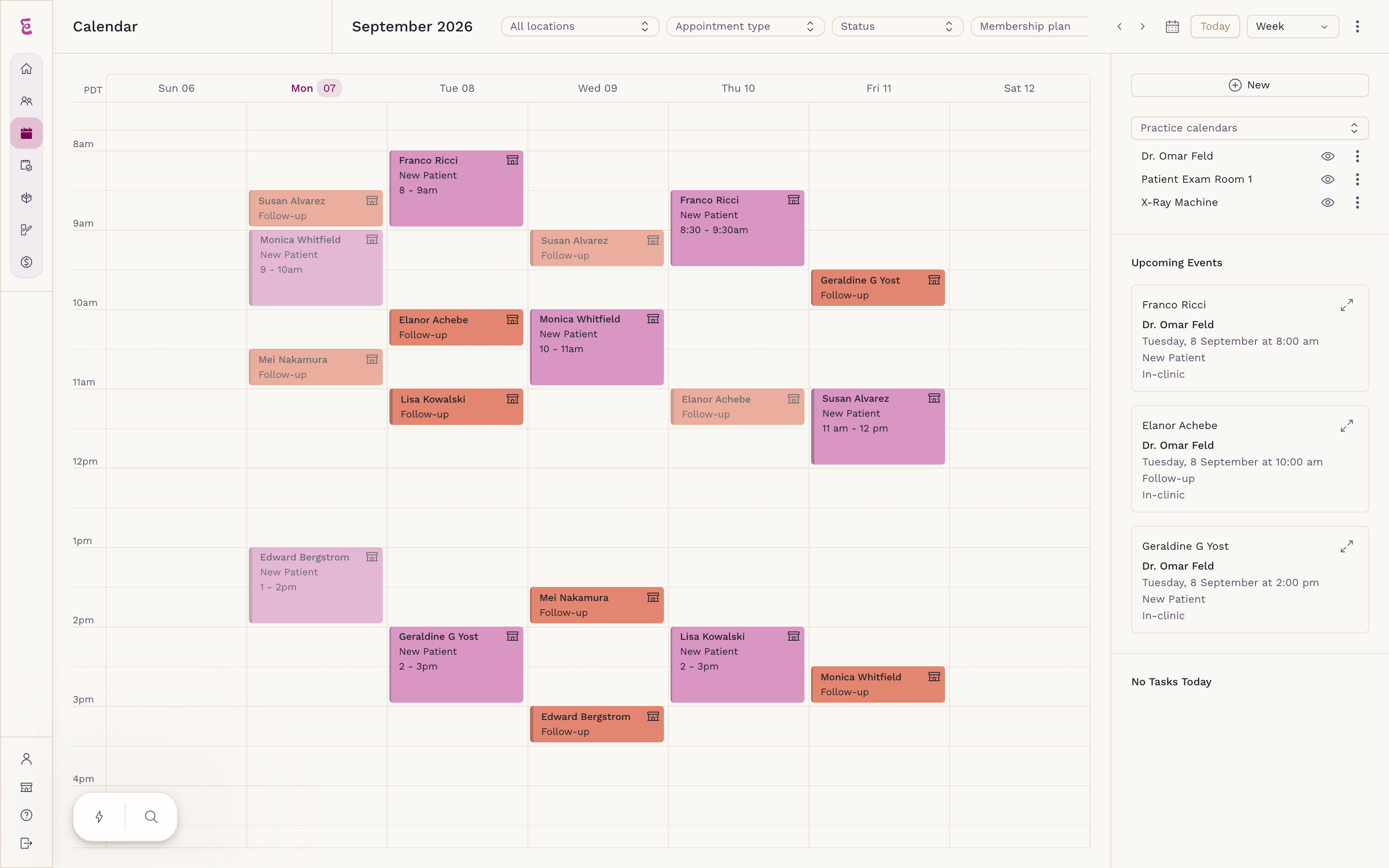
Your Whole Week, in One Place
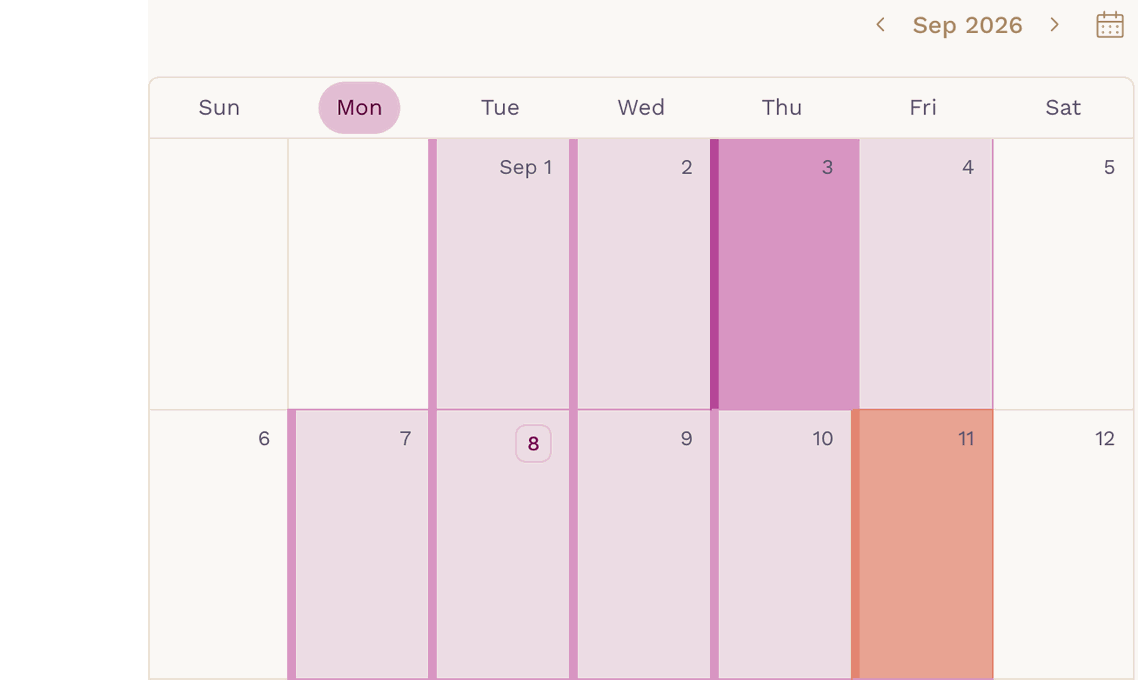
Build the week from shifts rather than one block of hours — split mornings and afternoons, different locations on different days, and per-shift control of which appointment and visit types are on offer. Block a single hour or a whole day and it disappears from the patient app too. Google and Microsoft calendars sync both ways, so anything you have marked busy elsewhere closes the slot before a patient can take it.

Reminders and Tasks
Reminders That Get an Answer
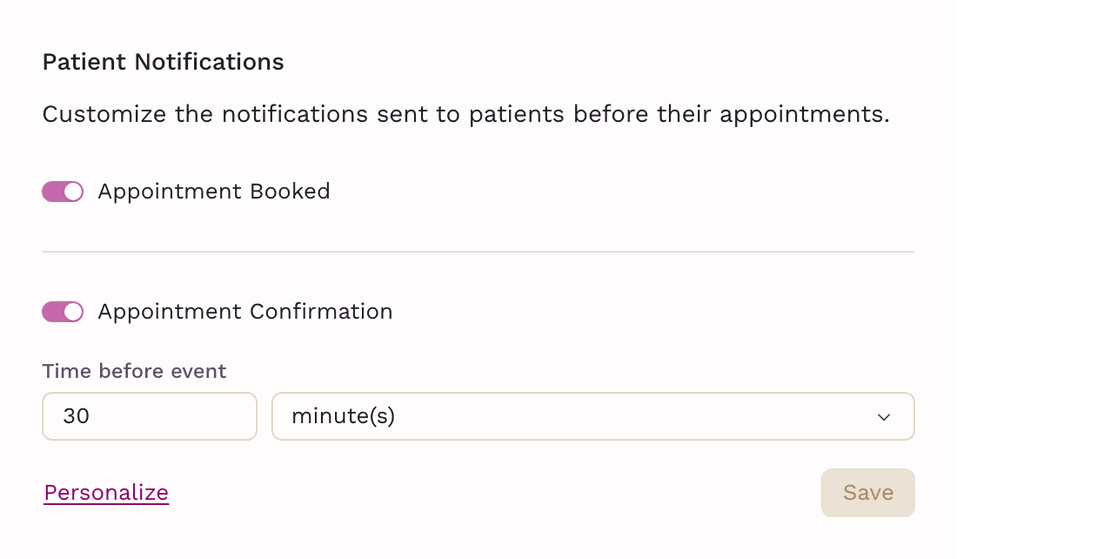
A confirmation when the appointment is booked, a confirmation request before it with Confirm and Cancel built in, and up to five custom reminders of your own — each by email, SMS and push, with the patient's own details filled in. Patients can confirm or cancel themselves up to a cut-off you set, against a cancelation policy they see before they book. Tasks carry an assignee, a priority and a due time, and nudge an hour ahead, or fifteen minutes for anything marked high priority.
Your Expertise Drives Our Priorities:
We Listen, You Matter!

“Billing, the EHR, scheduling and patient communication in one platform is a significant advantage — answer a billing question and the patient’s chart and context are right there. For a multi-provider practice, the scheduling calendar gives us real visibility into utilization. Fewer administrative steps mean more time on an exceptional patient experience.”Beth DeWittBOOK A DEMO
COO, Ark Family Health